Long videos
Find the useful part without replaying the whole recording.

We use essential storage and privacy-friendly analytics to keep Transkripe reliable.
Needed for login, credits, security and saved choices. Keeps your cookie choice saved. We do not use marketing cookies here. Privacy policy
NEW: AI transcripts without captions
Create transcripts from captions or directly from video audio with AI.
Get key points, study notes and summaries in one clean workflow.
No sign-up needed
9.842+ transcripts completed today
Paste your link
Open the transcript
Copy or download
Transkripe is a web app that turns a public YouTube URL into a readable transcript and lets you generate AI summaries, notes, key points, quizzes and content drafts from that transcript.
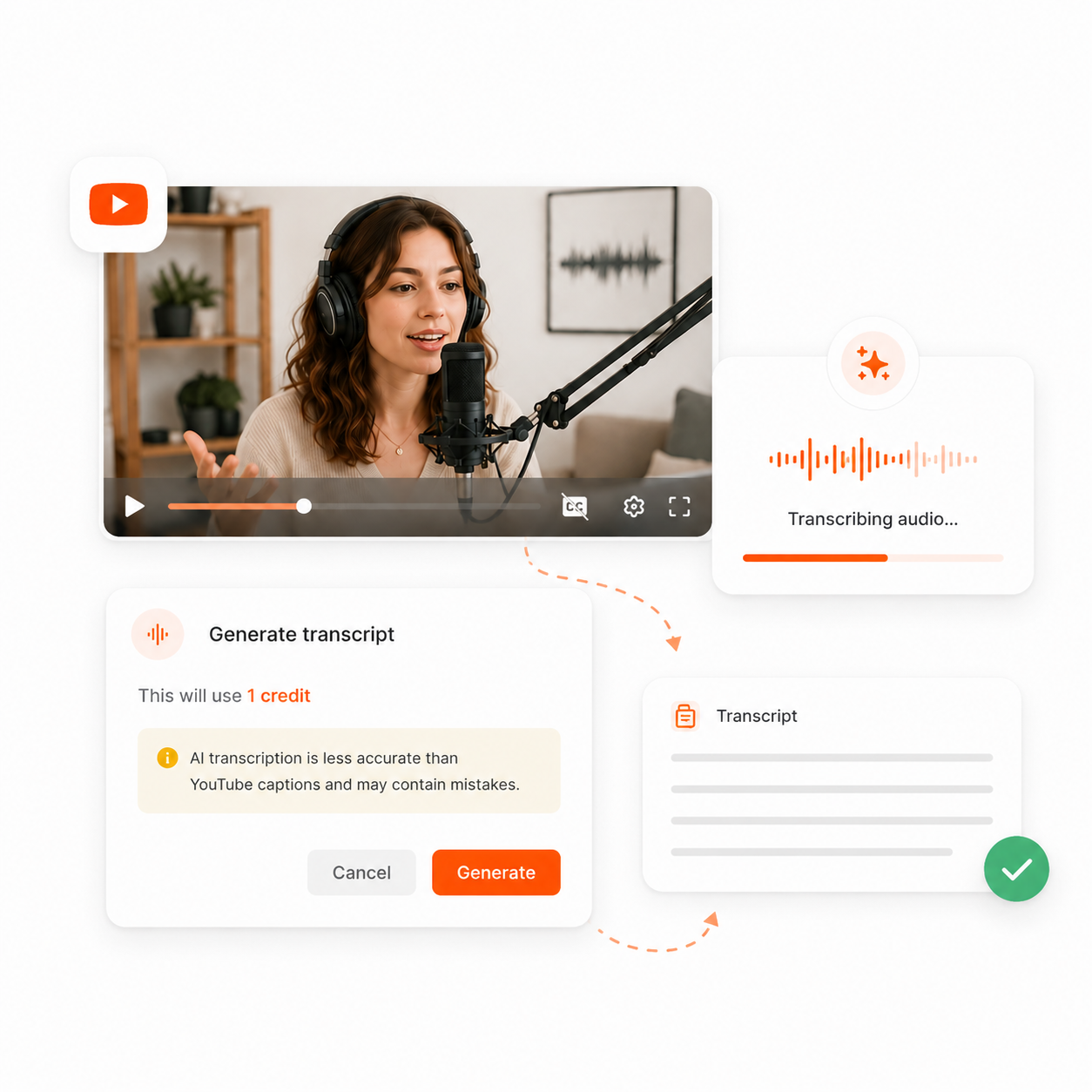
Transkripe checks YouTube captions first. If captions are missing, AI audio transcription can create the transcript after credit confirmation.
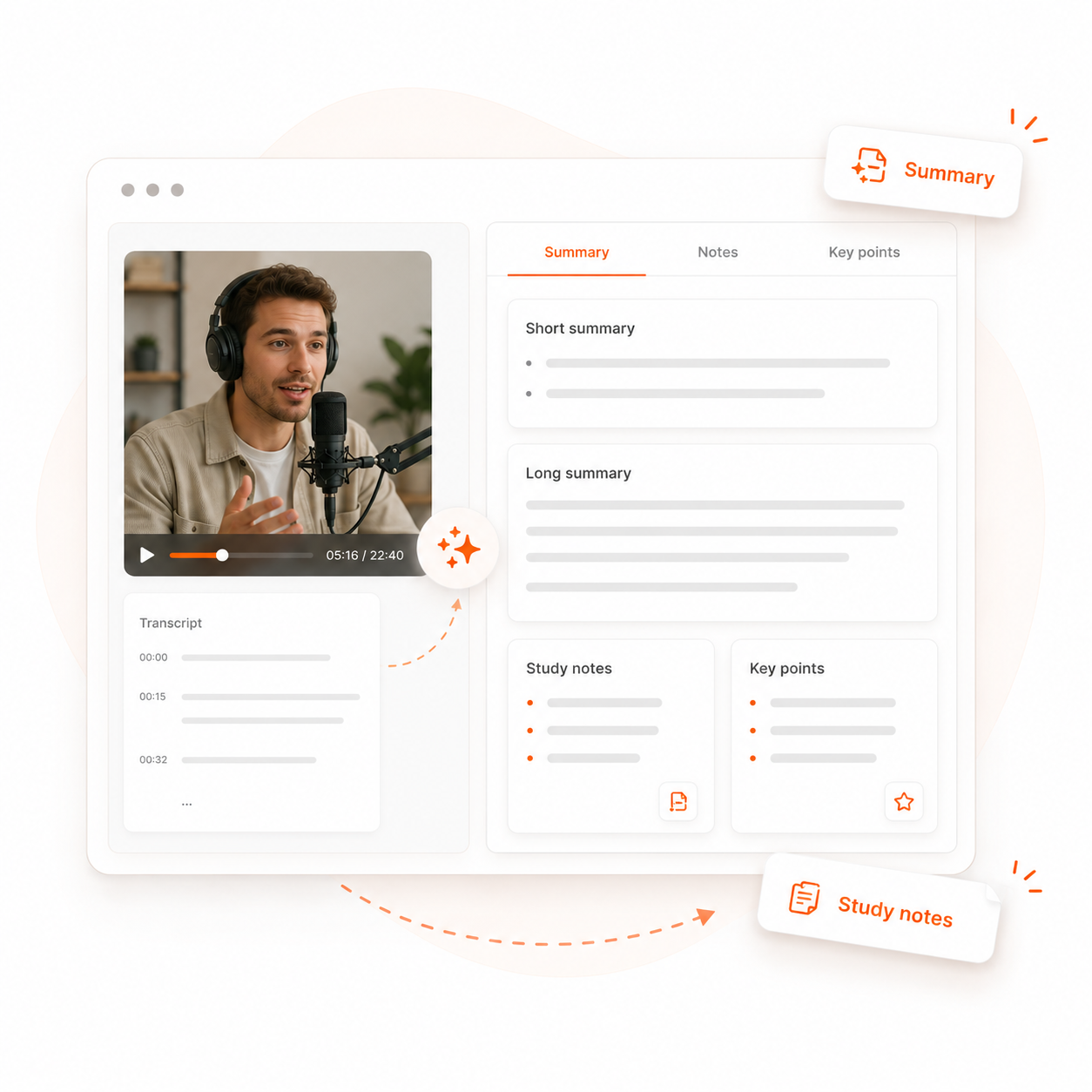
After the transcript loads, turn it into summaries, study notes or key points. Every output stays grounded in the visible transcript.
Use one transcript for blog drafts, newsletters, social posts, quizzes and scripts. AI outputs use credits and stay tied to the source text.
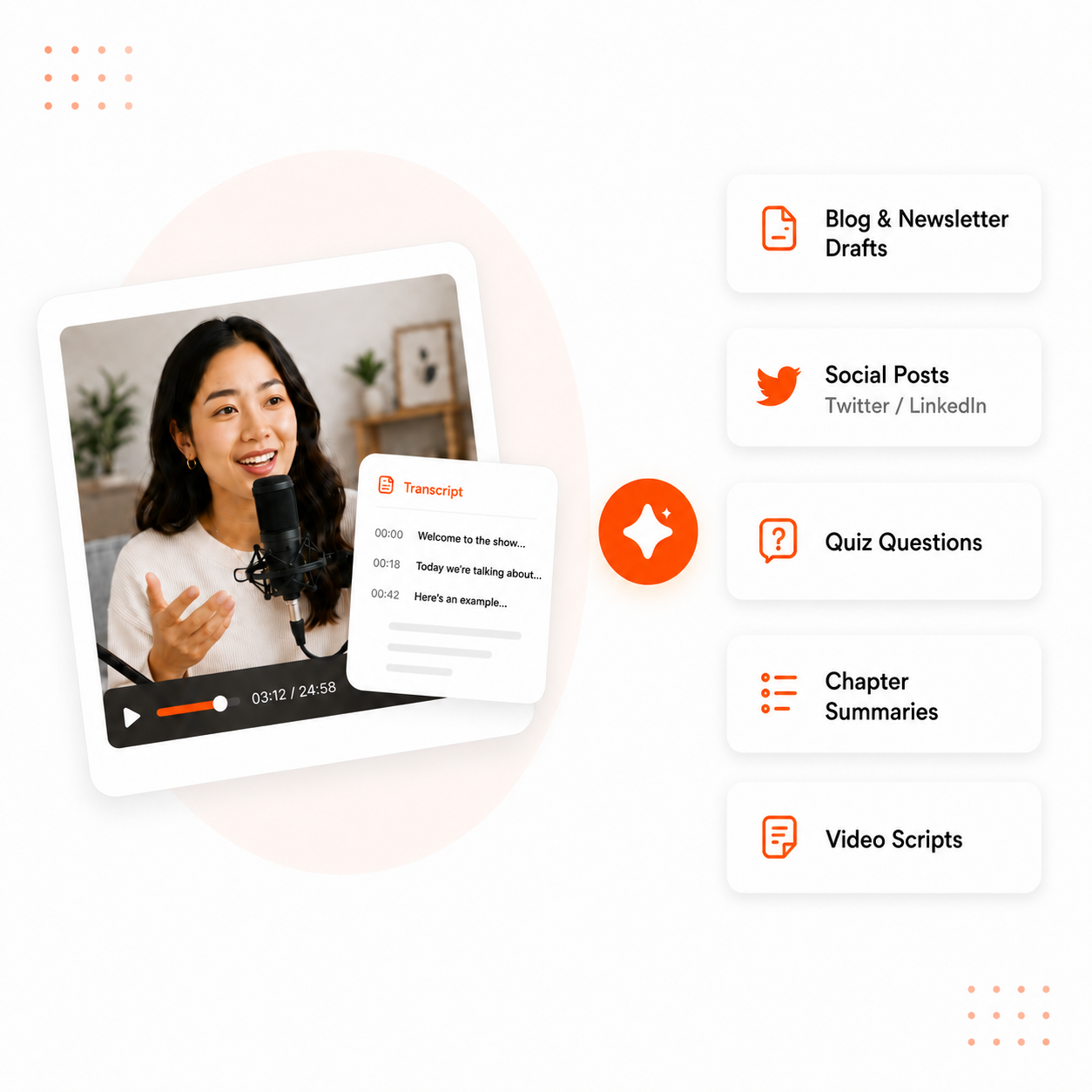
Turn one YouTube video into a transcript, summary, notes, key points, quiz questions or reusable content drafts.

00:00 Welcome to the video and main idea
00:05 First, the speaker explains the context
Quick overview of the core message
Key moments grouped into readable sections
Clean study notes with clear headings
Useful details kept close to the transcript
Main takeaways from the full video
Short bullets for briefs and meetings
Article intro based on the transcript
Section ideas ready to edit and publish
Why transcripts?
Some videos are worth watching from start to finish. Others just need the words.
With a transcript, you find what matters faster and can use it right away.
Find the useful part without replaying the whole recording.
Copy exact wording with timestamps for checking later.
Read what was said when audio is hard to follow.
Turn spoken explanations into notes people can scan.
Reuse ideas for outlines, drafts and summaries safely.
Trust by design
Get the transcripts you need-without surprises.
Only pay when AI works, with clear credit usage every step of the way.
Caption transcriptsare free
AI asks beforecredits are used
Failed AI transcriptionrefunds credits.
Copy and downloadstay simple
Languages
Accurate. Fast. Reliable.
Supports all major languages worldwide.
I built Transkripe because getting useful text from a YouTube video should feel simple, not like another complicated workflow.
Captions stay free when they are available, AI transcription uses credits only after confirmation, and failed AI transcription returns reserved credits.
No hidden fees. Just a cleaner way to read, copy, download and reuse transcripts.
Last updated May 24, 2026
Practical guides, product updates and workflows for transcripts, YouTube and content.
Nov 4, 2026
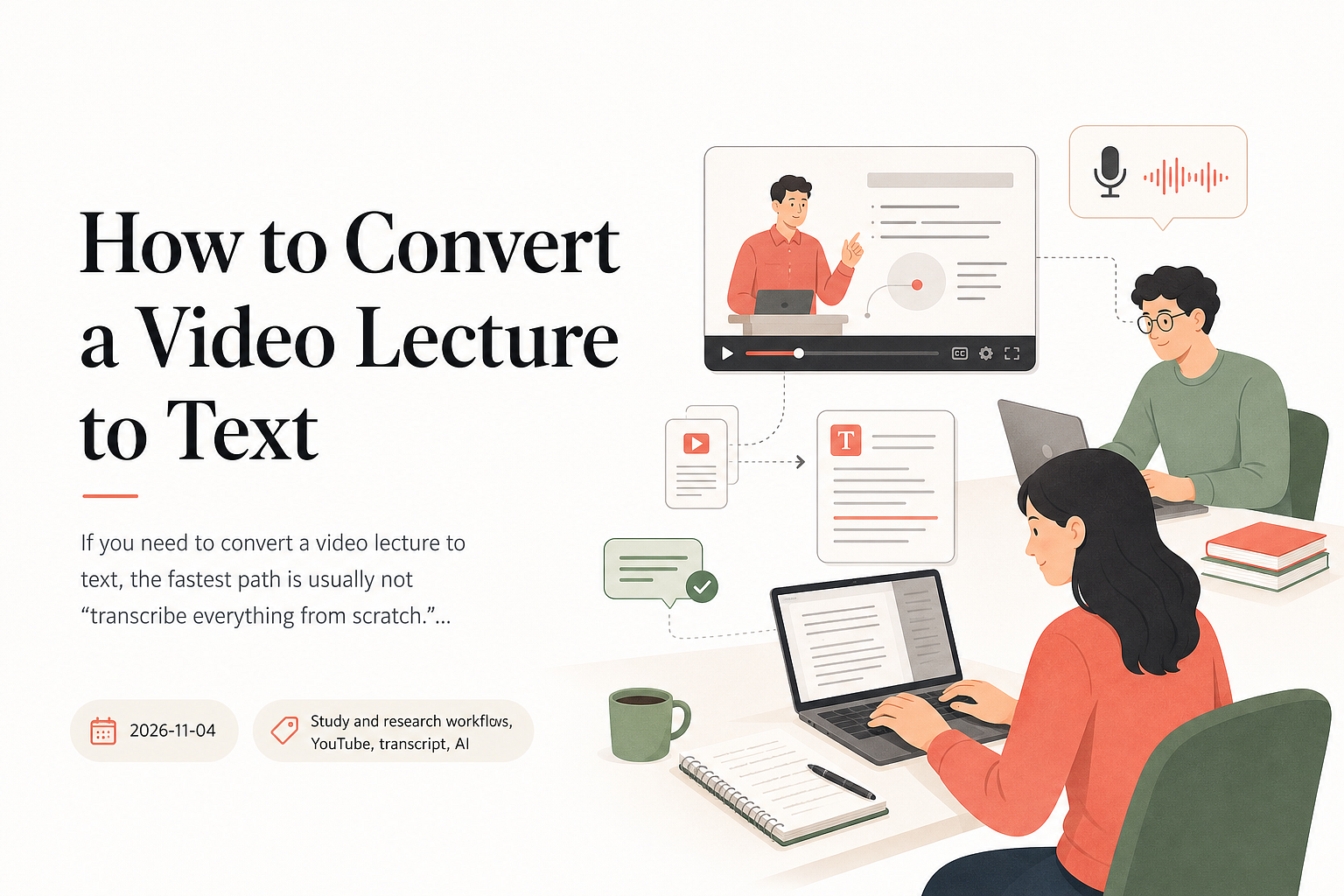
If you need to convert a video lecture to text, the fastest path is usually not “transcribe everything from scratch.” For public YouTube lectures, check…
Read more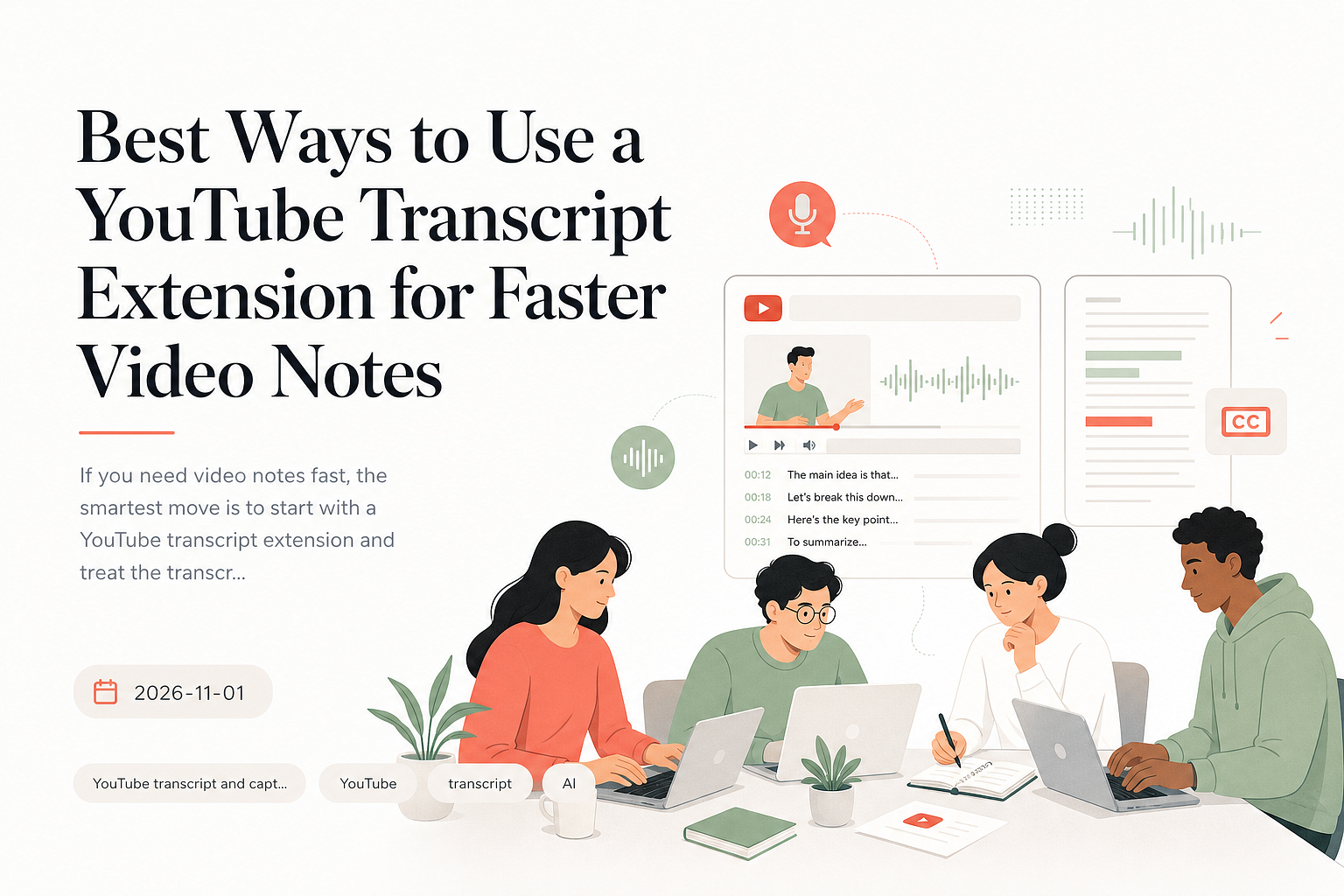
Nov 1, 2026
If you need video notes fast, the smartest move is to start with a YouTube transcript extension and treat the transcript as raw material, not the final…
Read more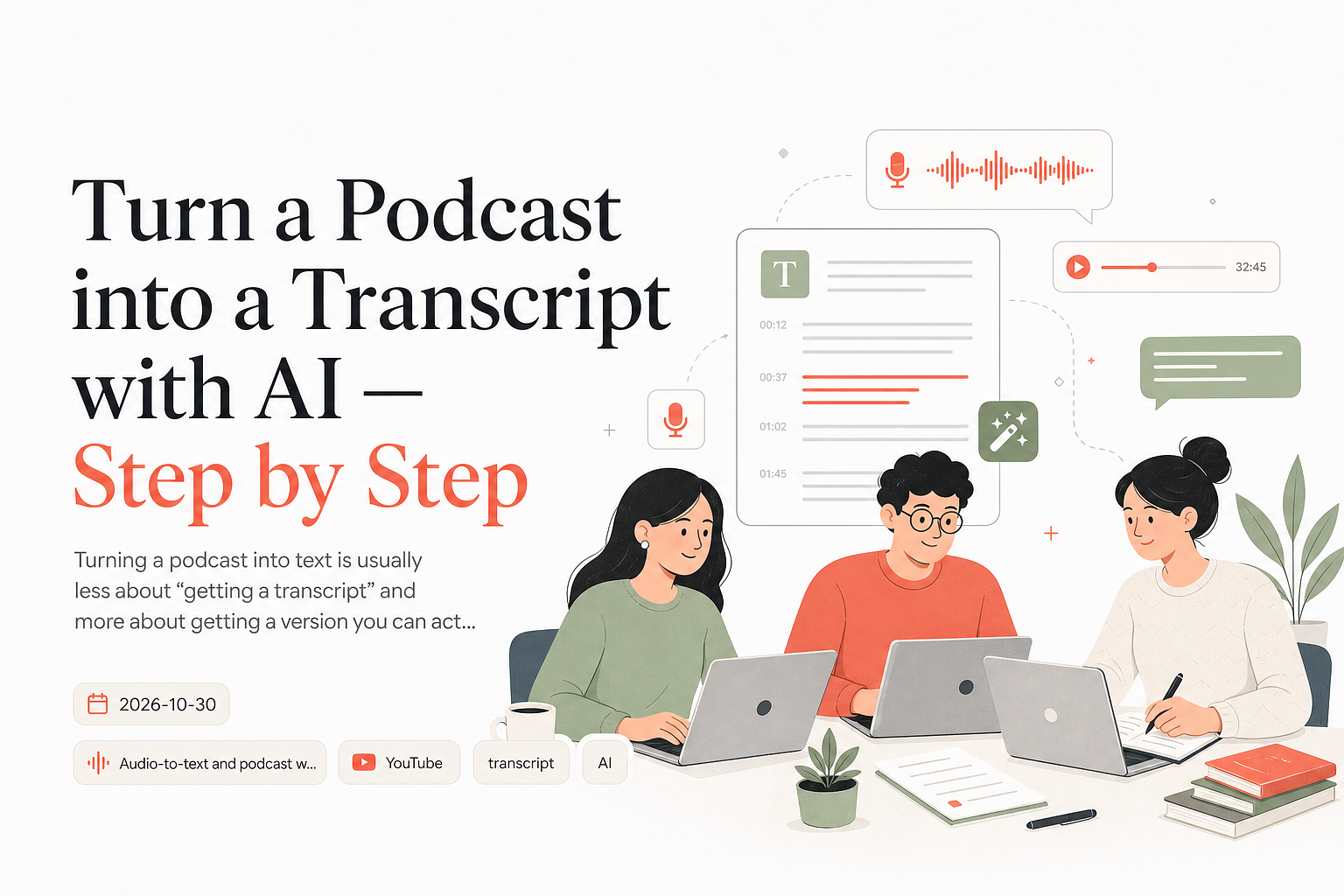
Oct 30, 2026
Turning a podcast into text is usually less about “getting a transcript” and more about getting a version you can actually use. A good AI podcast transcript…
Read moreNeed transcript automation behind your firewall? Email us volume expectations and timelines.
Prefer email? Use the mailbox listed on Legal Notice.


